Back to Tools
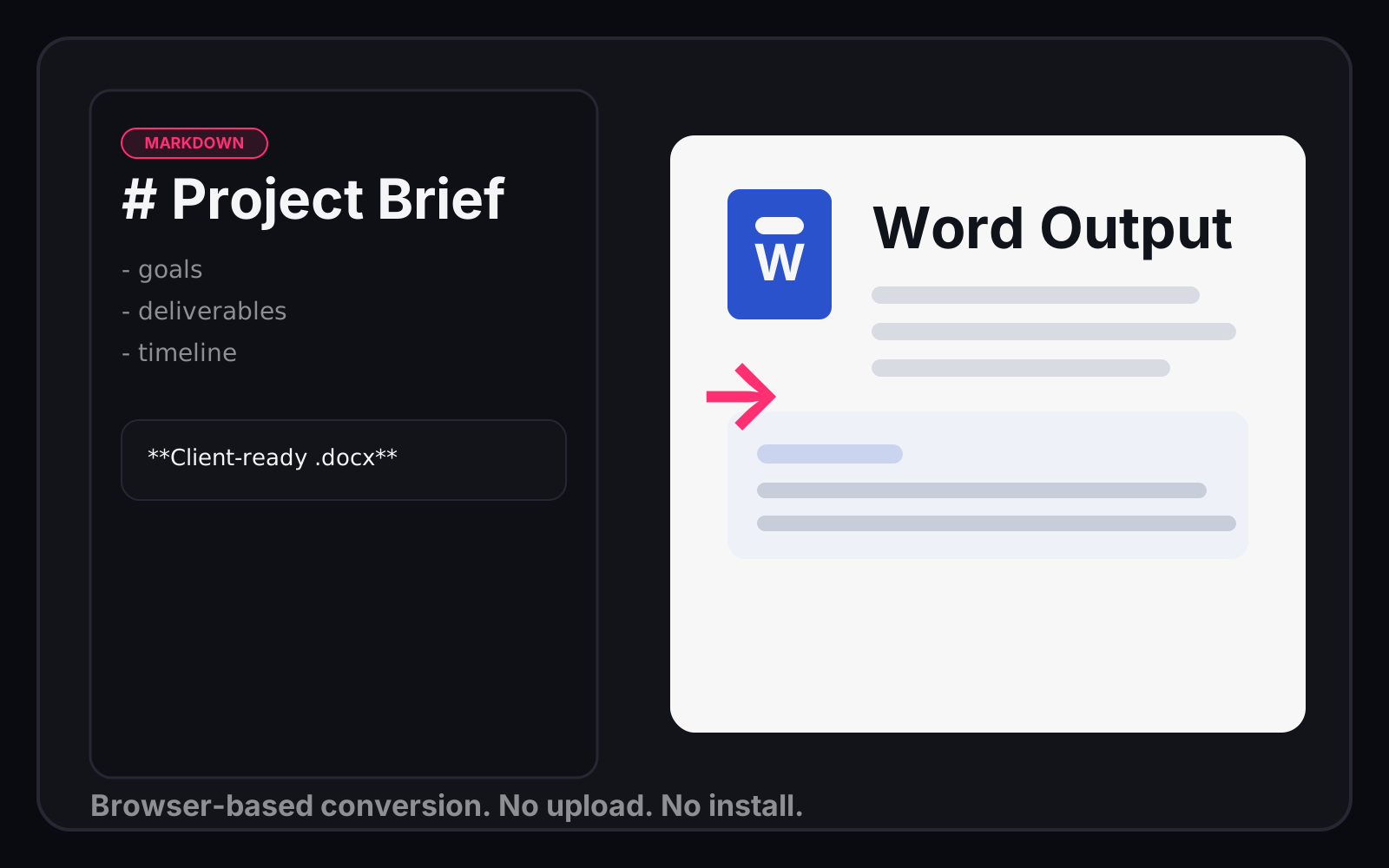
Markdown to Word Converter
MarkdownBrowserUtility
Overview
Convert Markdown files to properly formatted Word documents (.docx) — entirely in the browser. No upload, no server, no install. Your content never leaves your machine.
Two conversion modes:
- Convert Text — Paste or type Markdown, get a .docx download
- Convert Files — Drop one or more .md files, batch convert them all
Supported Markdown Elements
- Headings (
#through######) - Bold (
**text**or__text__) - Italic (
*text*or_text_) - Bold + Italic (
***text***) - Inline code (
`code`) - Code blocks (fenced with
```) - Unordered lists (
-,*,+) - Ordered lists (
1.,2., etc.) - Blockquotes (
>) - Horizontal rules (
---,***,___) - Links (
[text](url)) — rendered as underlined text - Tables (pipe-delimited with header row)
Use Cases
- Convert meeting notes or documentation to Word for sharing
- Batch convert a folder of Markdown files for a client deliverable
- Quick Markdown-to-Word without installing Pandoc or other tools
Questions or suggestions?
Have questions about this tool or want to suggest improvements?
Get in Touch